Playback settings
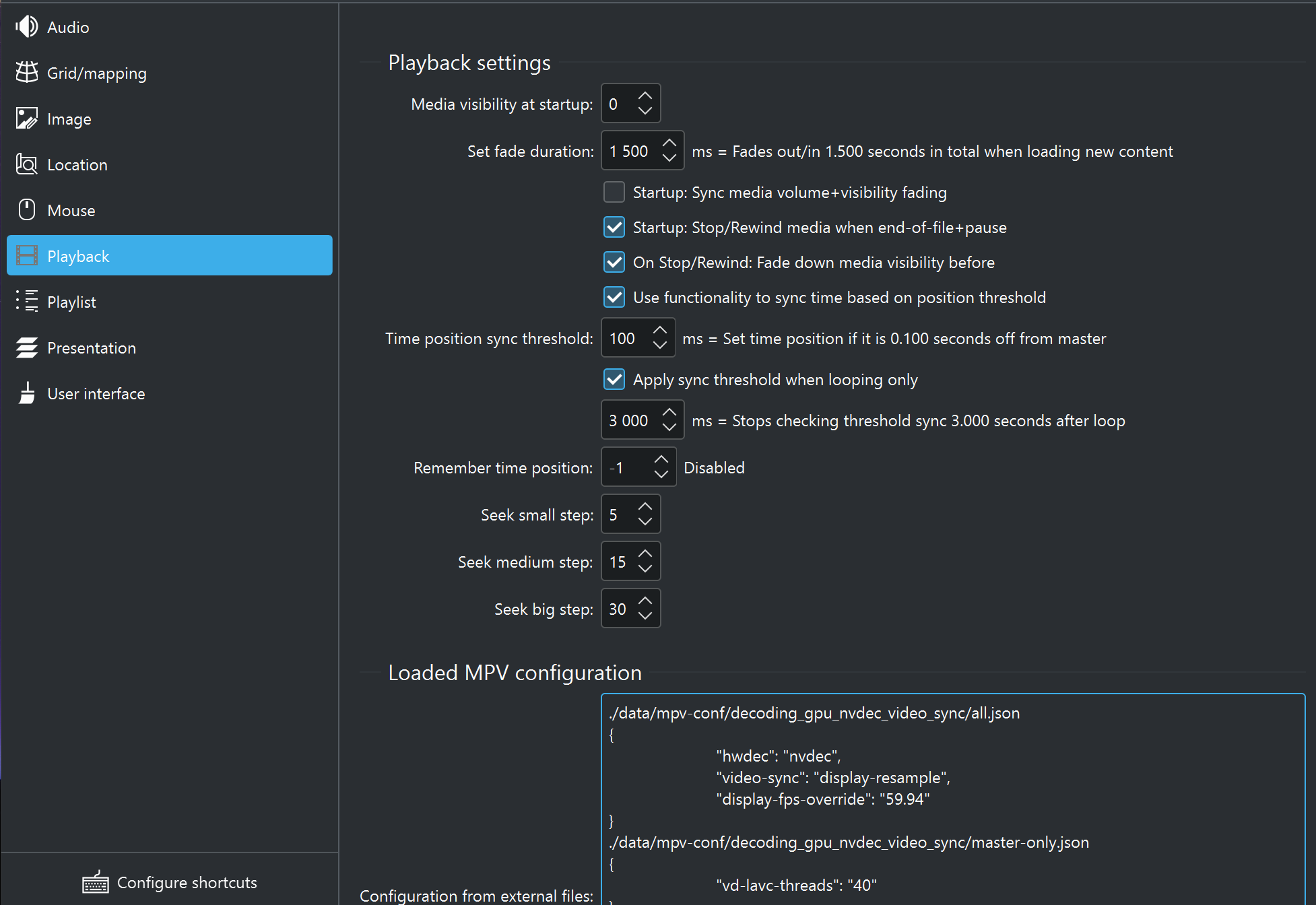
The playback settings within C-Play control fading, visibility, seeking, and time synchronization behavior.
Visibility and fading
- Media visibility at startup — Initial media visibility level (0–100%, default 100).
- Fade duration — Time in milliseconds for fade up/down transitions (0–20000, default 2000).
- Sync volume and visibility fading — When enabled, volume and visibility fade together (default off).
- Rewind on EOF when paused — Rewind to start when end-of-file is reached while paused (default off).
- Fade down before rewind — Fade visibility down before rewinding (default off).
Seek steps
These control how far seeking jumps in seconds for each step size:
- Small step — Seconds per small seek (0–100, default 5).
- Medium step — Seconds per medium seek (0–100, default 15).
- Big step — Seconds per big seek (0–100, default 30).
Time synchronization
These settings control how playback time is kept in sync between master and nodes. Tuning depends on your system performance.
- Use threshold to sync time position — Enable threshold-based time sync (default on).
- Time position sync threshold — Maximum allowed time drift in milliseconds before a sync correction is triggered (100–5000, default 100).
- Time position skip iterations — Number of sync check iterations before forcing a skip (1–500, default 10).
- Apply threshold sync on loop only — Only apply threshold sync when looping (default on).
- Time to check threshold after loop — Delay in milliseconds after a loop before checking sync (0–20000, default 500).
MPV configuration
The currently loaded MPV configuration is displayed at the bottom of this page (read-only). For more details on how MPV configuration affects playback, see the Video configuration guide.